


Cross-Server Compatibility
Works with Plex, Emby, Jellyfin and Silo.




Cross-Server Compatibility
Works with Plex, Emby, Jellyfin and Silo.
Visual Browsing
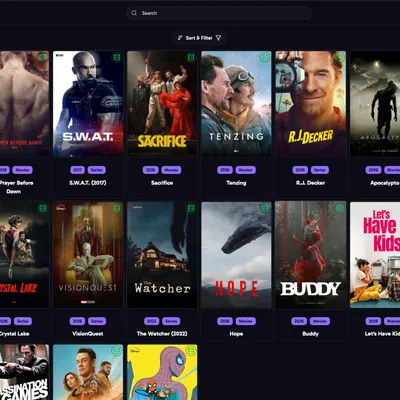
Preview artwork in a clean, organized interface.
Automated Updates
Save selected image sets and keep them synced automatically.
Local Storage
Option to store images next to your media files for easy access.
Docker Support
Easily deploy using Docker or docker-compose.
Notifications
Get notified on Discord, Pushover, Gotify or a webhook when images are downloaded.
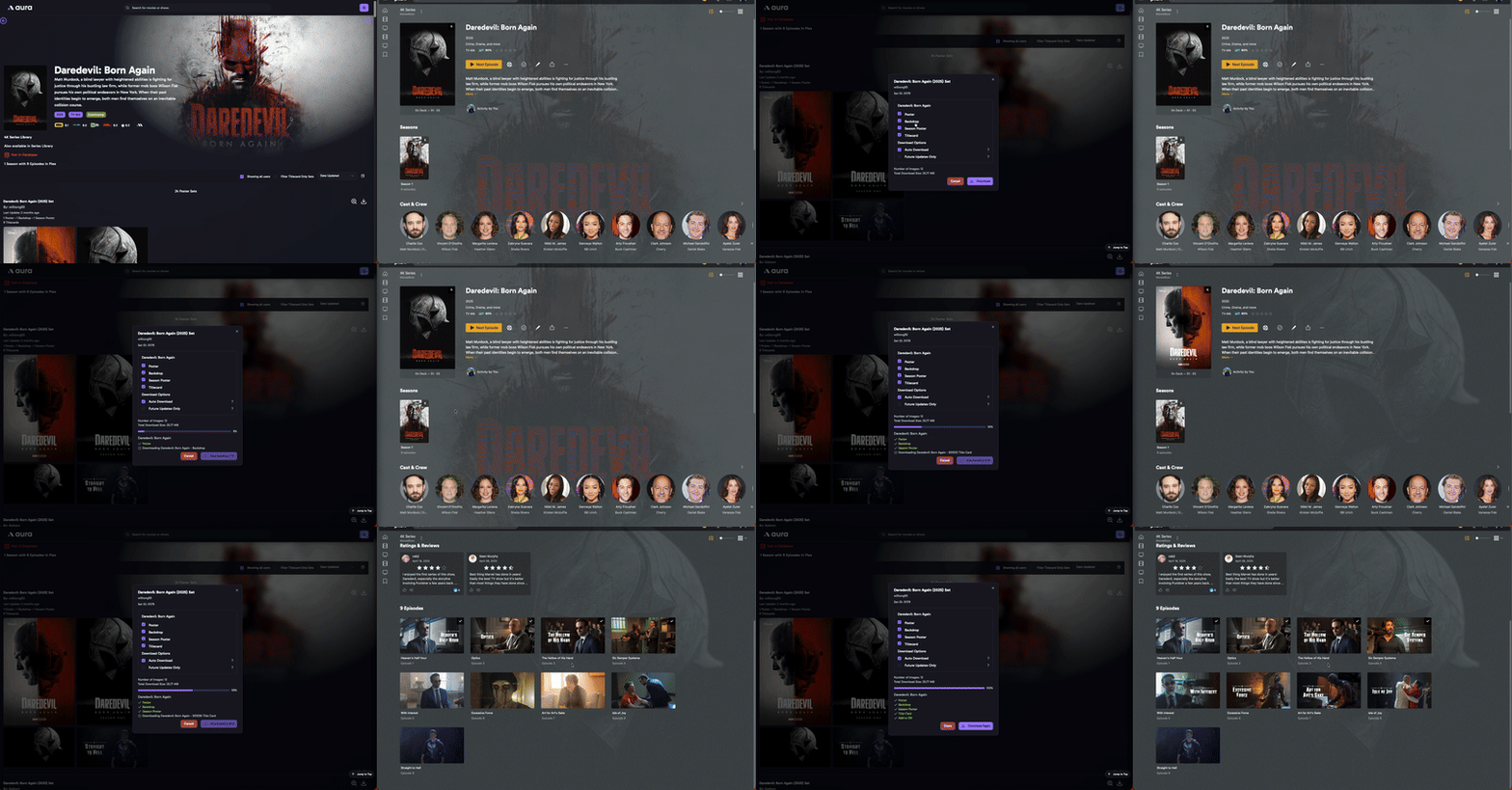
Check out the demo of aura in action! You can see how it looks and works before installing.
Movie being processed and the results in Plex

Series being processed and the results in Plex
http://localhost:3000.If aura is useful to you, you can support its development:
Buy Me a Coffee
AI Disclaimer: While most of the code in this repository was written by hand, some of the PR’s have been generated with the help of AI tools.