

Collections
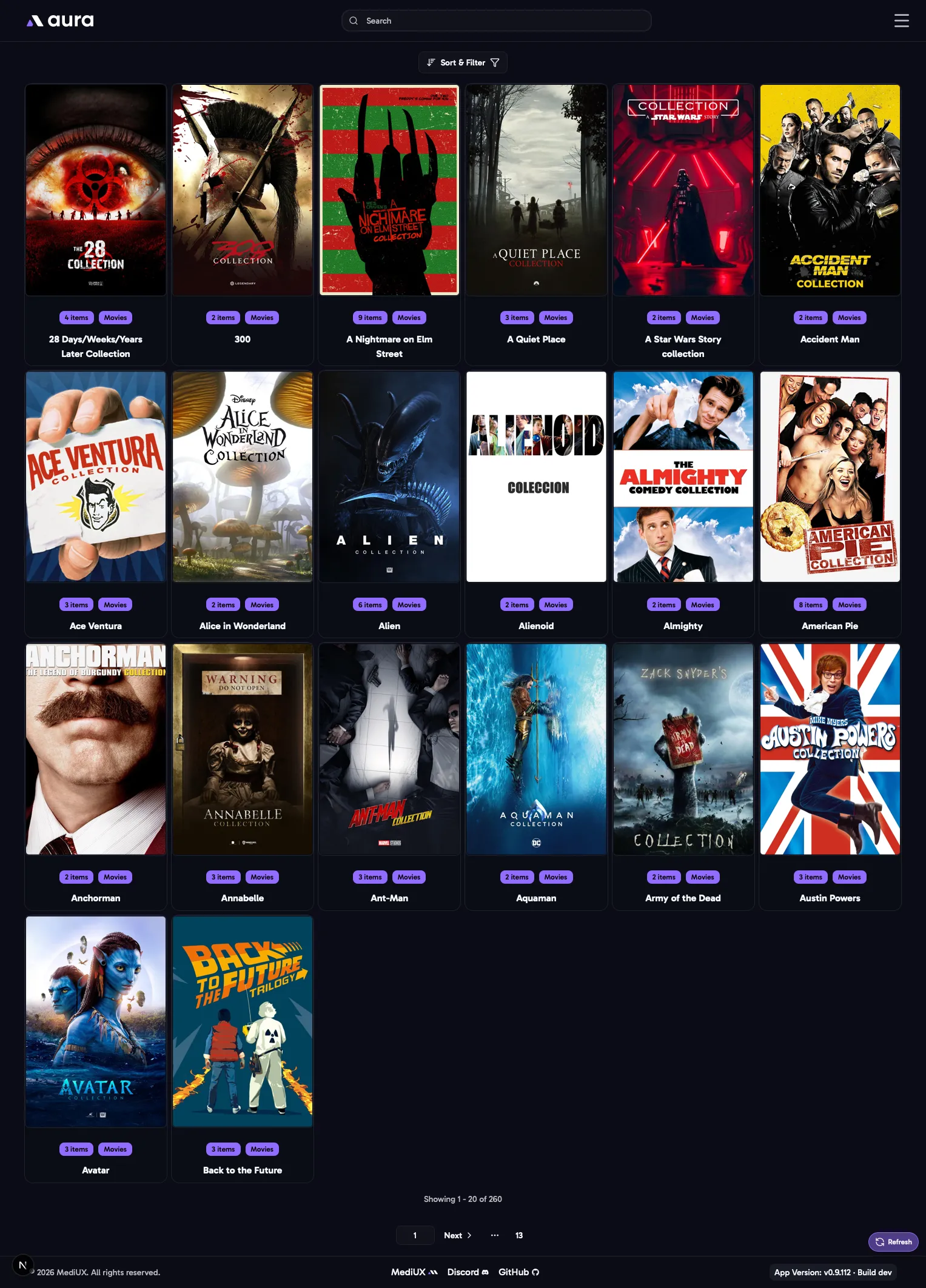
The Collections page lists the movie collections on your main media server, such as the Harry Potter or Toy Story collections. Click one to open it.
Sort & Filter
Section titled “Sort & Filter”- Sort by Title, or by Number of Items in the collection.
- Library Sections: which libraries to show.
- What you type in the search bar filters the collections by title or year.
A Collection
Section titled “A Collection”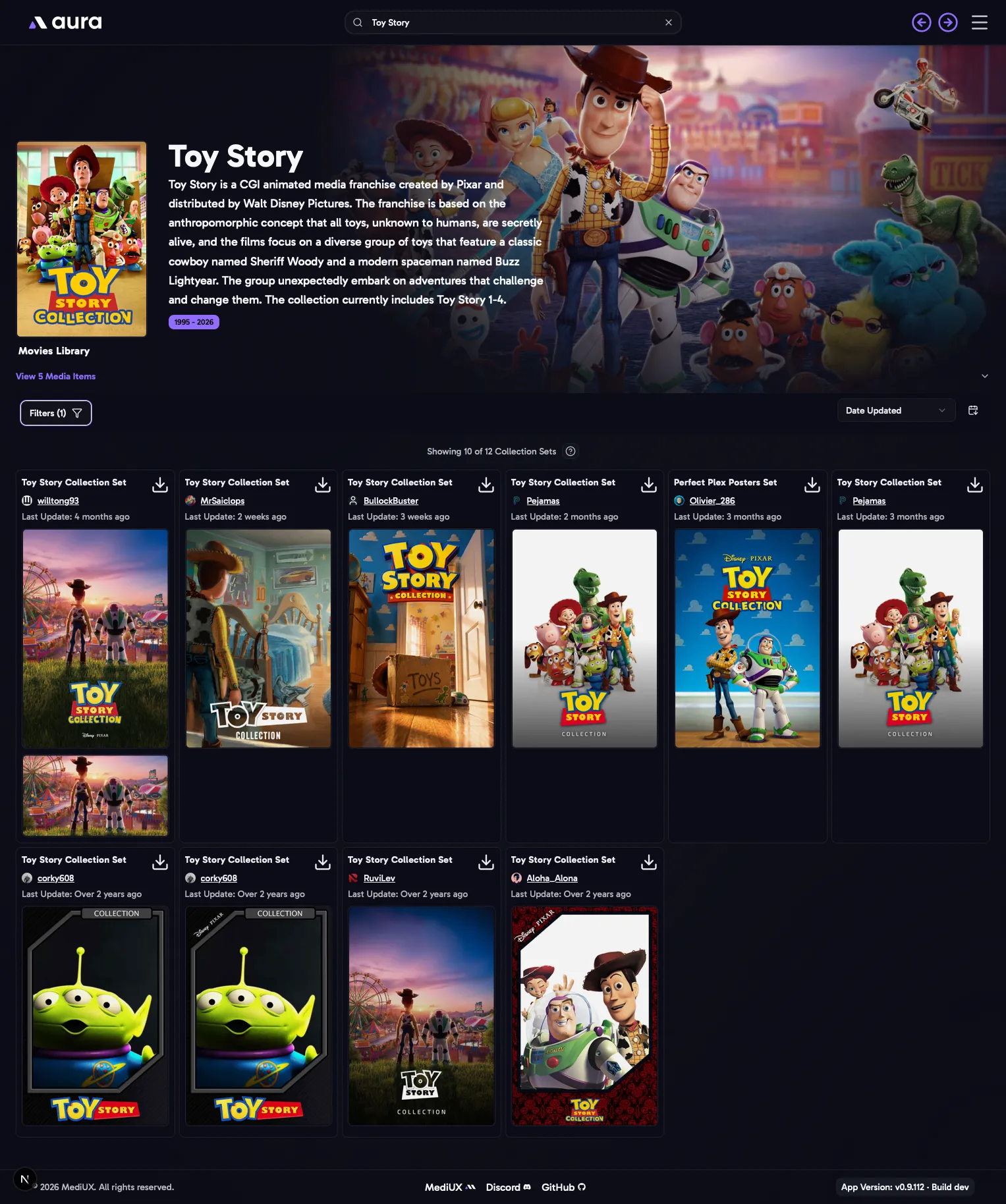
A collection’s page shows its details and the movies in it, then the MediUX sets with images for the collection itself: a Collection Poster and a Collection Backdrop. These are the images your media server shows for the collection, not for the movies in it.
- Sort the sets by Date Updated, User Name or Popularity.
- Show Hidden Users: also show sets from creators you’ve hidden on MediUX.
- Click a set’s download button to choose its collection poster or backdrop, and apply them to the collection.