

Backups
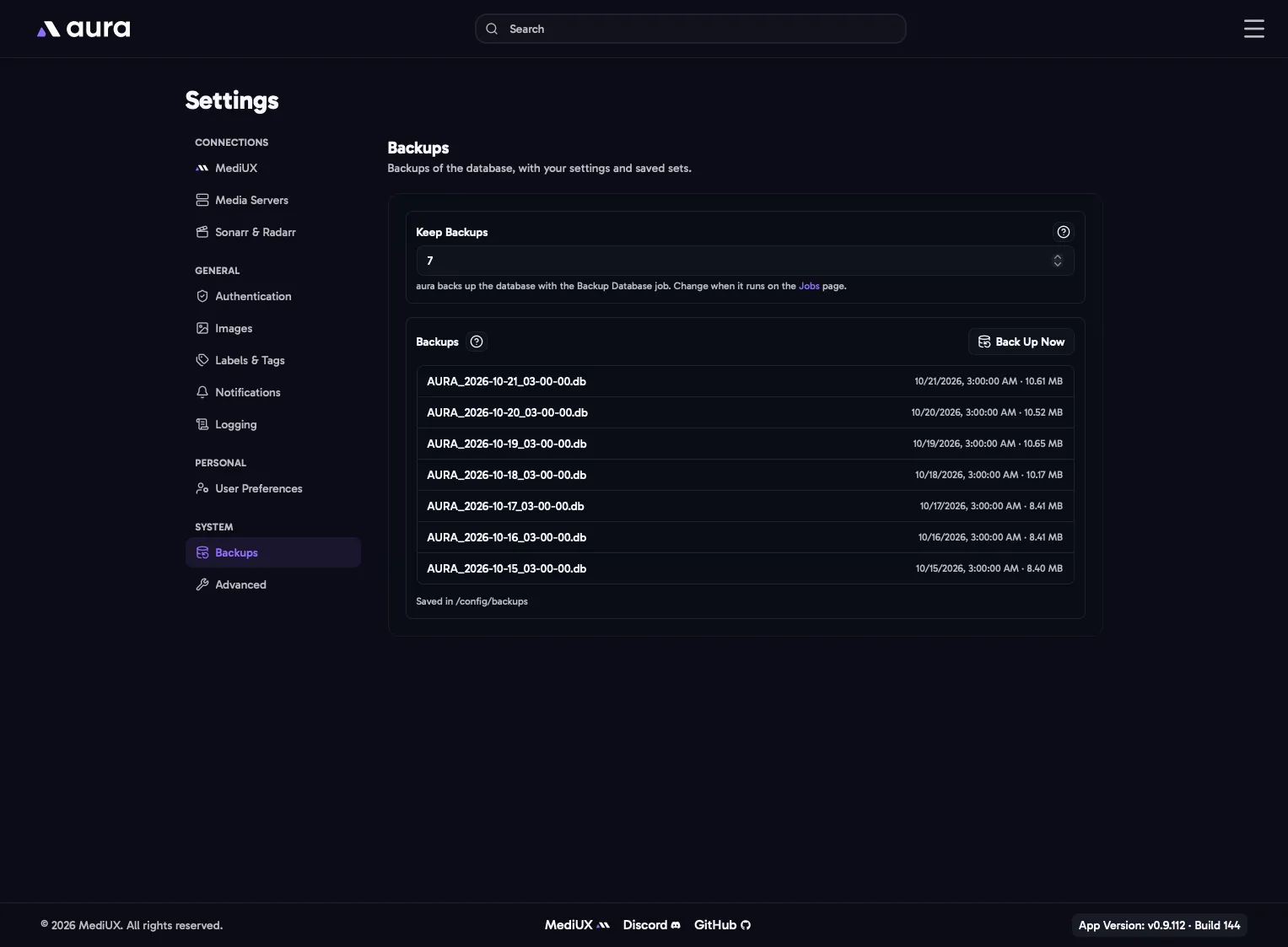
aura backs up its database every day with the Backup Database job (at 3:00 AM by default, see Jobs). Each backup is a complete copy of the database, with your settings, saved sets and download history.
Keep Backups
Section titled “Keep Backups”How many backups are kept, from 1 to 100 (default 7). The oldest is deleted when a new backup is made.
Backups
Section titled “Backups”Lists your backups, newest first. Back Up Now makes a backup straight away, for example before you try something new.
Backups are saved in a backups folder next to the database, /config/backups by default, as AURA_<date>_<time>.db.
aura also makes a backup before each database update, next to AURA.db in /config, named like AURA_backup_v7_to_v8_<timestamp>.db. These aren’t listed here or deleted automatically, so you can remove old ones yourself once you’re happy with the update.
Restoring a Backup
Section titled “Restoring a Backup”- Stop aura.
- Move
AURA.dbout of the/configfolder, along withAURA.db-walandAURA.db-shmif they’re there. - Copy the backup into the
/configfolder and rename it toAURA.db. - Start aura.
In the Config File
Section titled “In the Config File”Backups: Keep: 7