

Download Queue
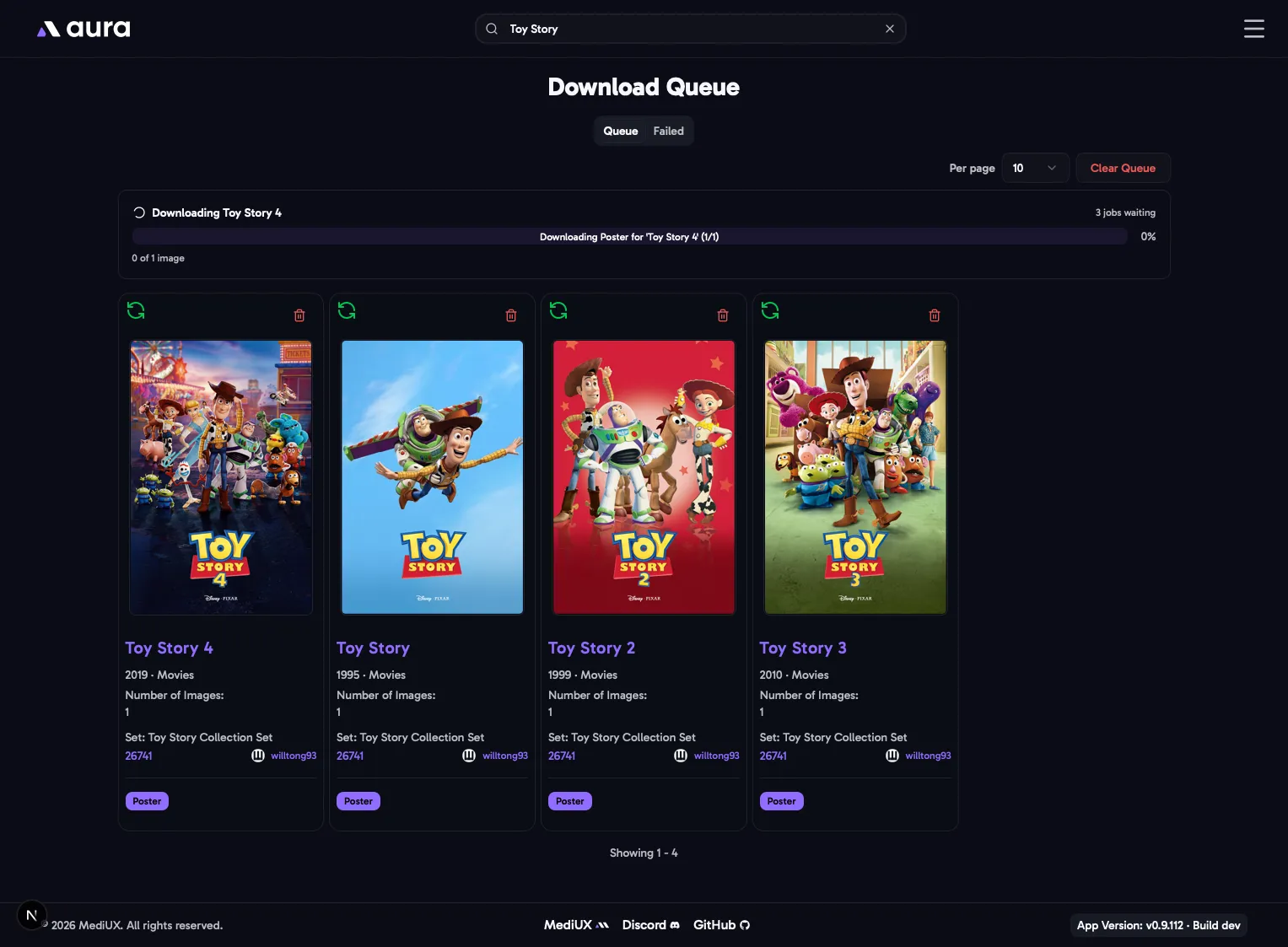
The Download Queue runs downloads in the background, one set at a time, starting as soon as a set is added. Sets end up here when you use Add to Queue in the download window, and when aura downloads sets by itself, from your favorite creators or the Silo plugin.
The sets waiting to download, and the one downloading now, with its progress. A collection’s own poster and backdrop, queued from a collection set, have their own entry, shown with the collection’s name and poster. Clear Queue removes everything that’s waiting. A download that has already started finishes.
Failed
Section titled “Failed”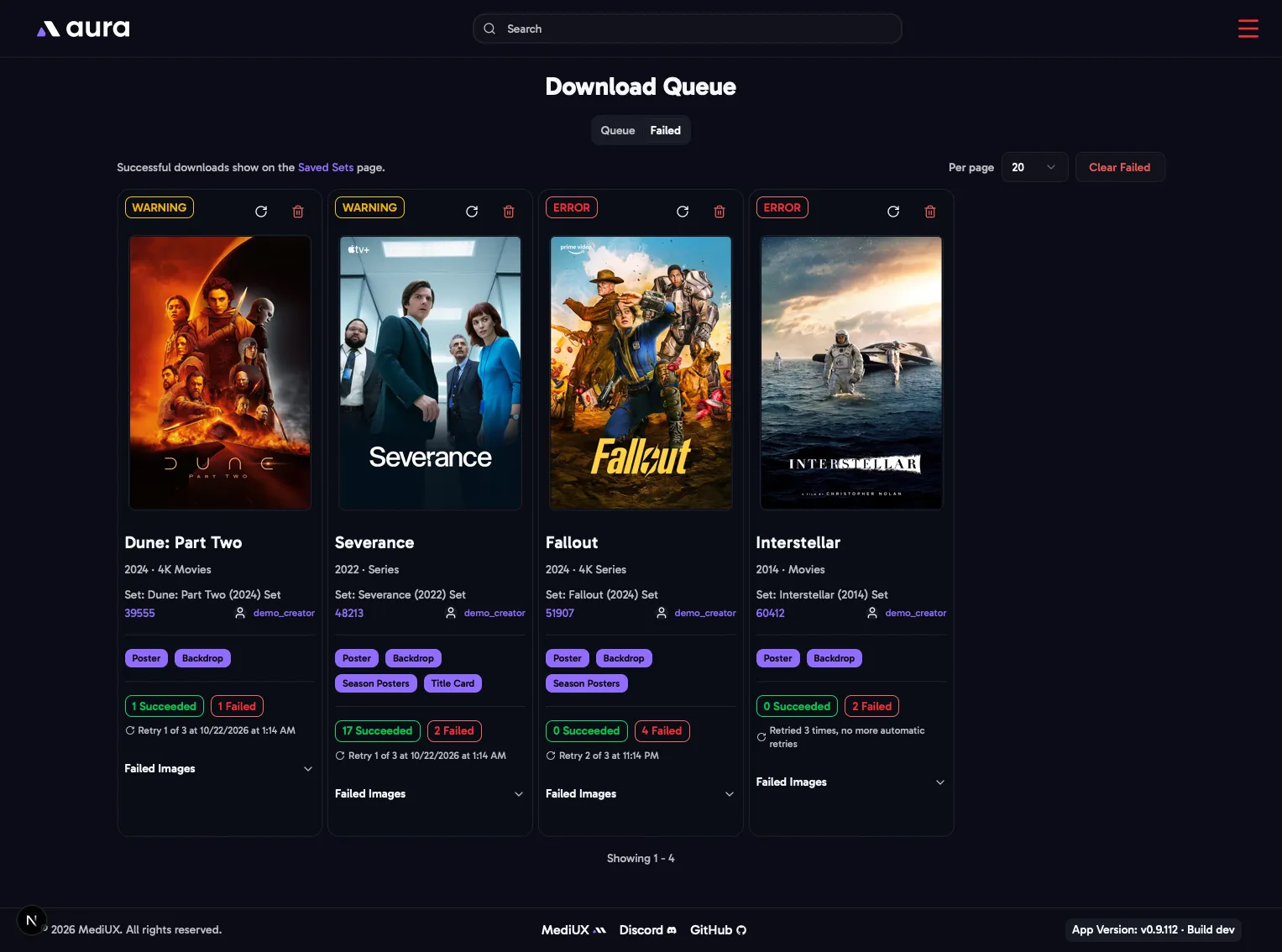
Sets that couldn’t be downloaded, with the reason. When downloads have failed, the menu icon turns red and shows how many.
aura retries a failed download by itself, up to 3 times, waiting longer each time: 5 minutes, then 30 minutes, then 2 hours. Each entry shows when the next retry is, or that there are no more retries.
- Retry adds the set to the queue again straight away.
- Delete removes the entry.
- Clear Failed removes every failed entry.
Both tabs have paging, and remember how many entries you show per page.