

Home
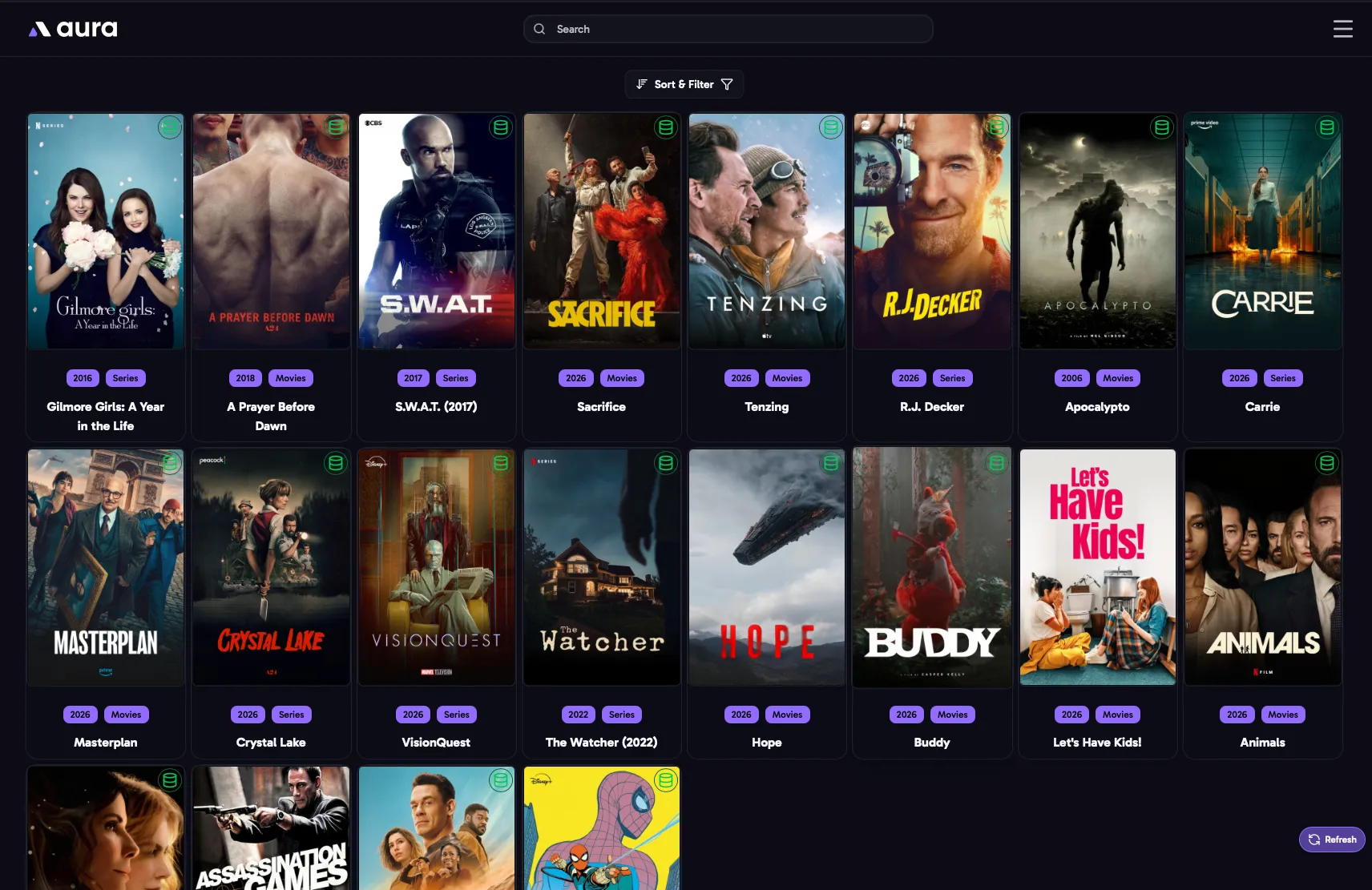
The Home page shows the movies and shows in your main media server’s libraries. Click one to open its Media Item page.
Each card shows the item’s poster, title, year, library and edition. An icon in the corner shows its status:
- Green database icon: the item has a saved set.
- Red eye: always ignored.
- Orange eye: ignored until a set is available.
- Yellow eye: ignored until a new set is available.
Sort & Filter
Section titled “Sort & Filter”Open Sort & Filter to change what’s shown. Your choices are remembered, and are the same on every device.
- Date Added: when the item was added to your library.
- Date Updated: when the item was last updated on your media server, if your media server reports it.
- New Episode Added: shows with the newest episodes first. Only shown when it’s turned on in Media Servers.
- Date Released
- Title
Click the arrow to switch between ascending and descending.
Filters
Section titled “Filters”- Library Sections: which libraries to show.
- In-Database Filter: only items in the database (with a saved set), or only items not in the database.
- Ignored Filter: only ignored items, by how they’re ignored, or only items that aren’t ignored. See Ignoring Items.
- Has Sets Available Filter: only items that have, or don’t have, sets on MediUX.
Reset to Defaults puts the sort and filters back to how they started.
Paging
Section titled “Paging”Choose how many items to show per page, and move between pages with the page buttons.