

Advanced
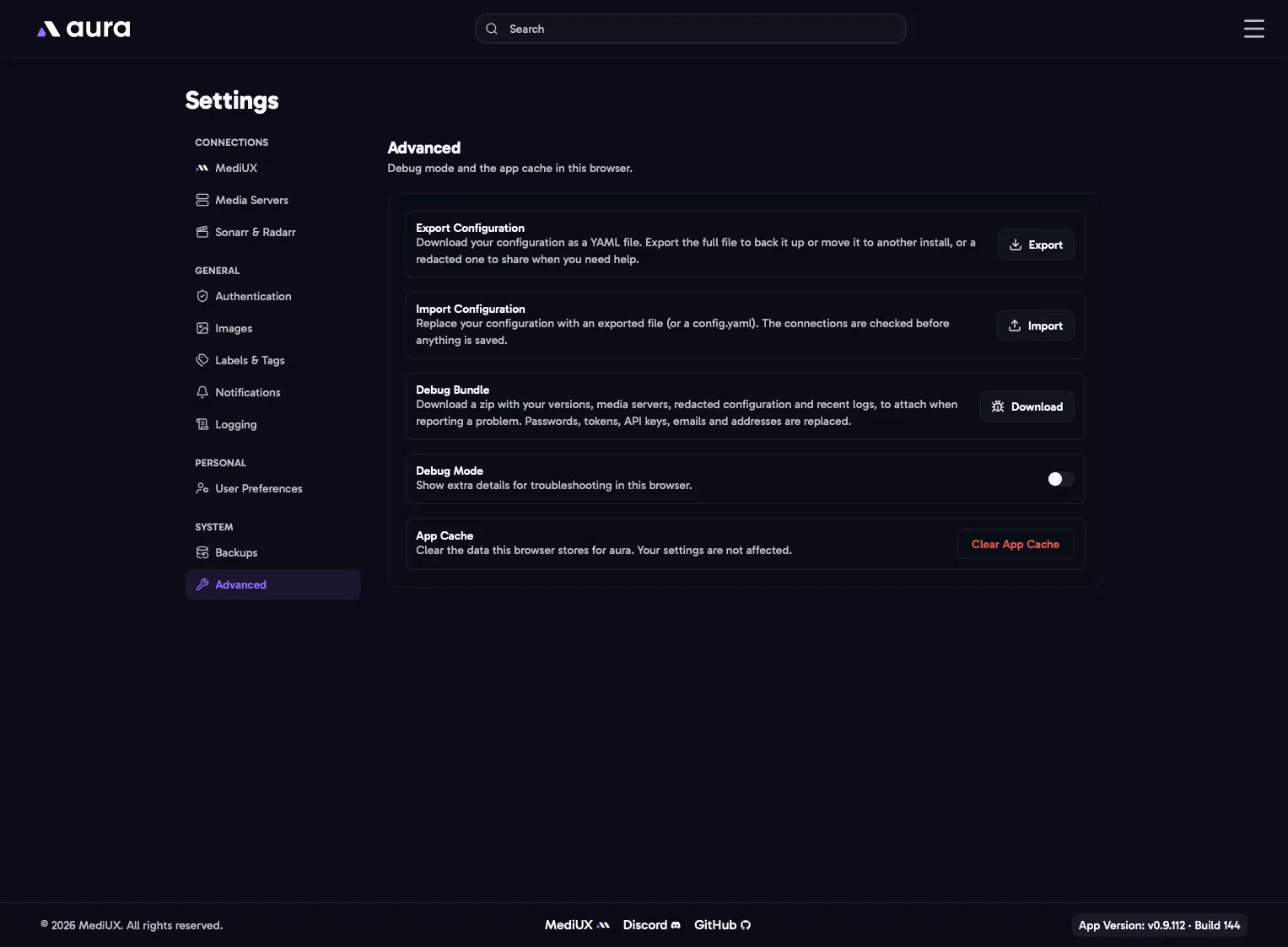
Export Configuration
Section titled “Export Configuration”Downloads your configuration as a YAML file, in the config file format. You choose which kind:
- Full: everything, including your passwords, tokens and API keys. Use it to back up your settings or move them to another install. Keep it private.
- Redacted: passwords, tokens, API keys, emails and addresses are replaced, so it’s safe to share when you ask for help. Each address becomes
host-1,host-2and so on. A redacted file can’t be imported.
Import Configuration
Section titled “Import Configuration”Replaces your configuration with an exported file, or a config.yaml. aura checks it first, including the media server and MediUX connections, and nothing is saved unless it’s valid. Your API key isn’t changed by an import.
Debug Bundle
Section titled “Debug Bundle”Downloads a zip to attach when you report a problem. It has:
info.txt: your aura, database and platform versions, and each media server’s type, version and libraries.config-redacted.yaml: your configuration, redacted the same way as a redacted export.logs/: your recent log files, with the same passwords, tokens, emails and addresses replaced.
The same download is on the Logs page.
Debug Mode
Section titled “Debug Mode”Shows extra details for troubleshooting in this browser, and logs more to the browser’s developer console. It only affects the browser you turn it on in.
App Cache
Section titled “App Cache”Clear App Cache clears the data this browser stores for aura, such as cached pages and your last search. Your settings aren’t affected. Try it if a page shows old information or doesn’t load.