

Logs
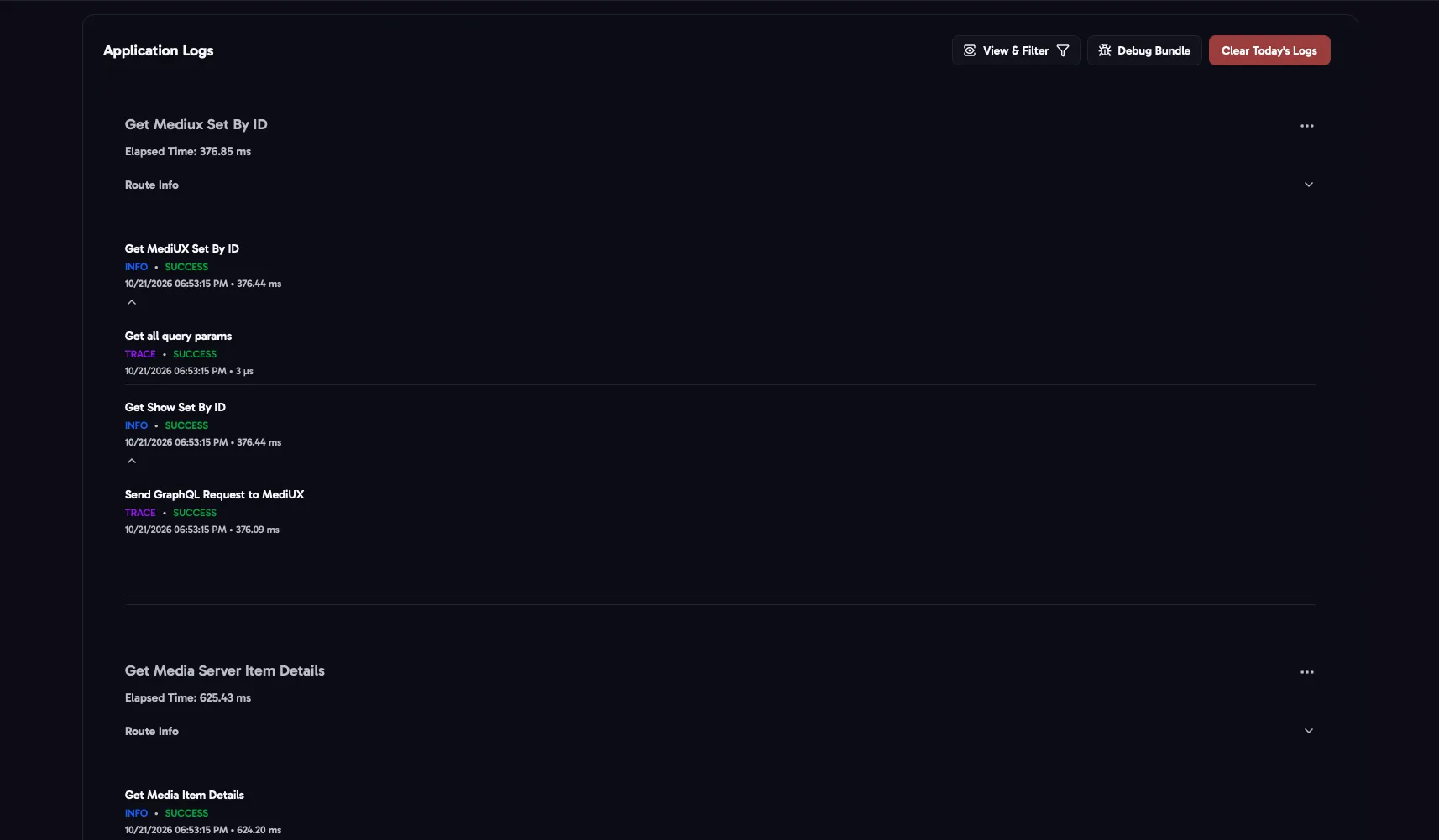
The Logs page shows what aura has done, newest first: every page you opened, download, job and setting change. Click an entry to see each step, with its results, warnings and errors.
How much is logged depends on the level in Logging.
Filters
Section titled “Filters”- Levels: TRACE, DEBUG, INFO, WARNING and ERROR.
- Status: only entries that succeeded, or that had warnings or errors.
- Actions: only one kind of action, for example the Auto Download job or saving a set.
Clear All Filters shows everything again.
Actions
Section titled “Actions”- Debug Bundle downloads a zip with your versions, redacted settings and redacted logs, to attach when you report a problem. See Debug Bundle.
- Export Log, in an entry’s menu, saves that one entry as a JSON file.
- Clear Today’s Logs deletes today’s log file.