

Set
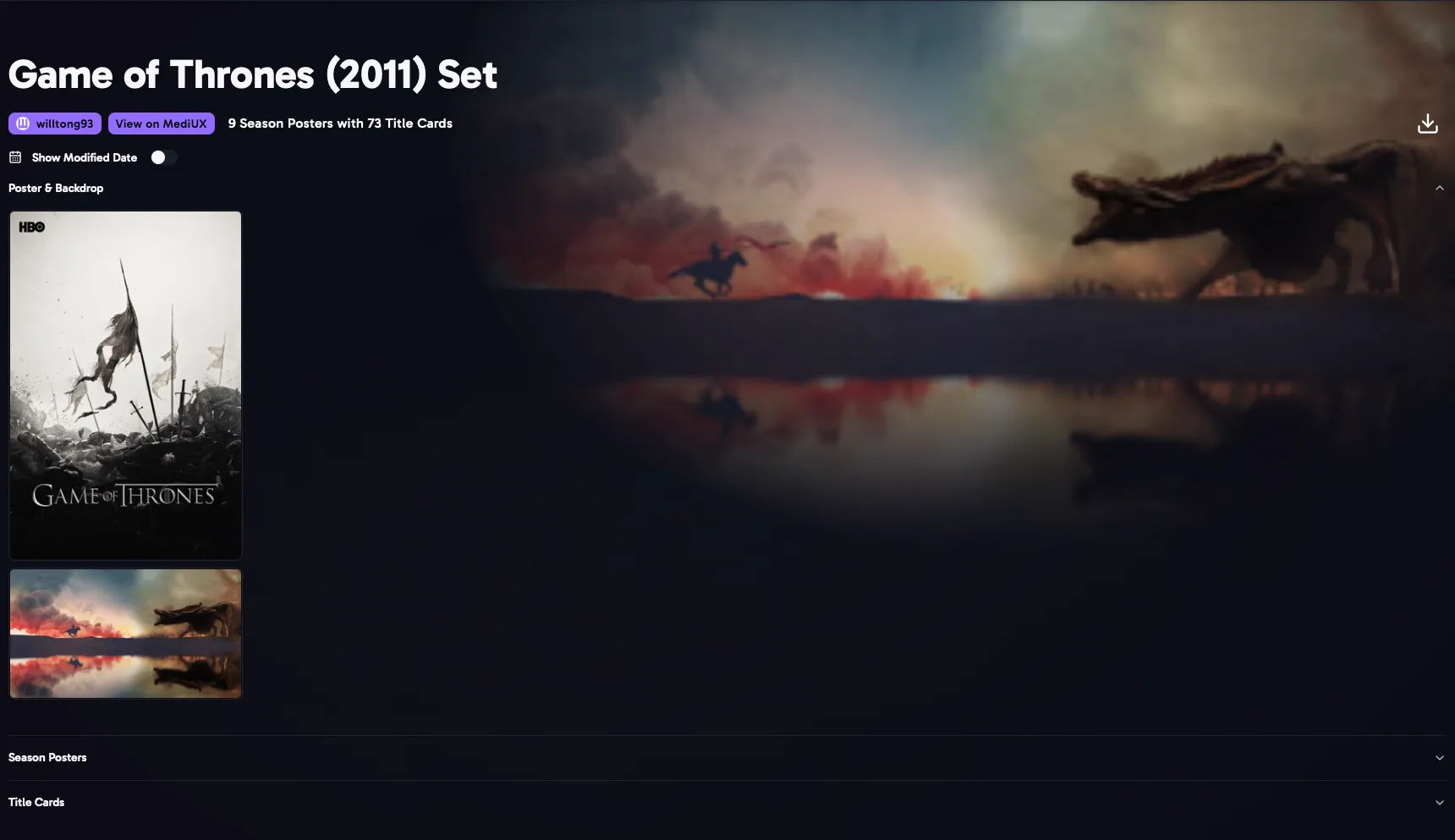
The Set page shows every image in a set. Open it by clicking a set’s name, or the magnifying glass, on a Media Item or creator page.
- Show sets list the poster and backdrop, then Season Posters, then every Title Card, grouped by season.
- Click the creator’s name to open their creator page.
- View on MediUX opens the set on MediUX.
- Show Modified Date shows when each image was last changed on MediUX.
- The download button opens the download window for the whole set.