

Logging
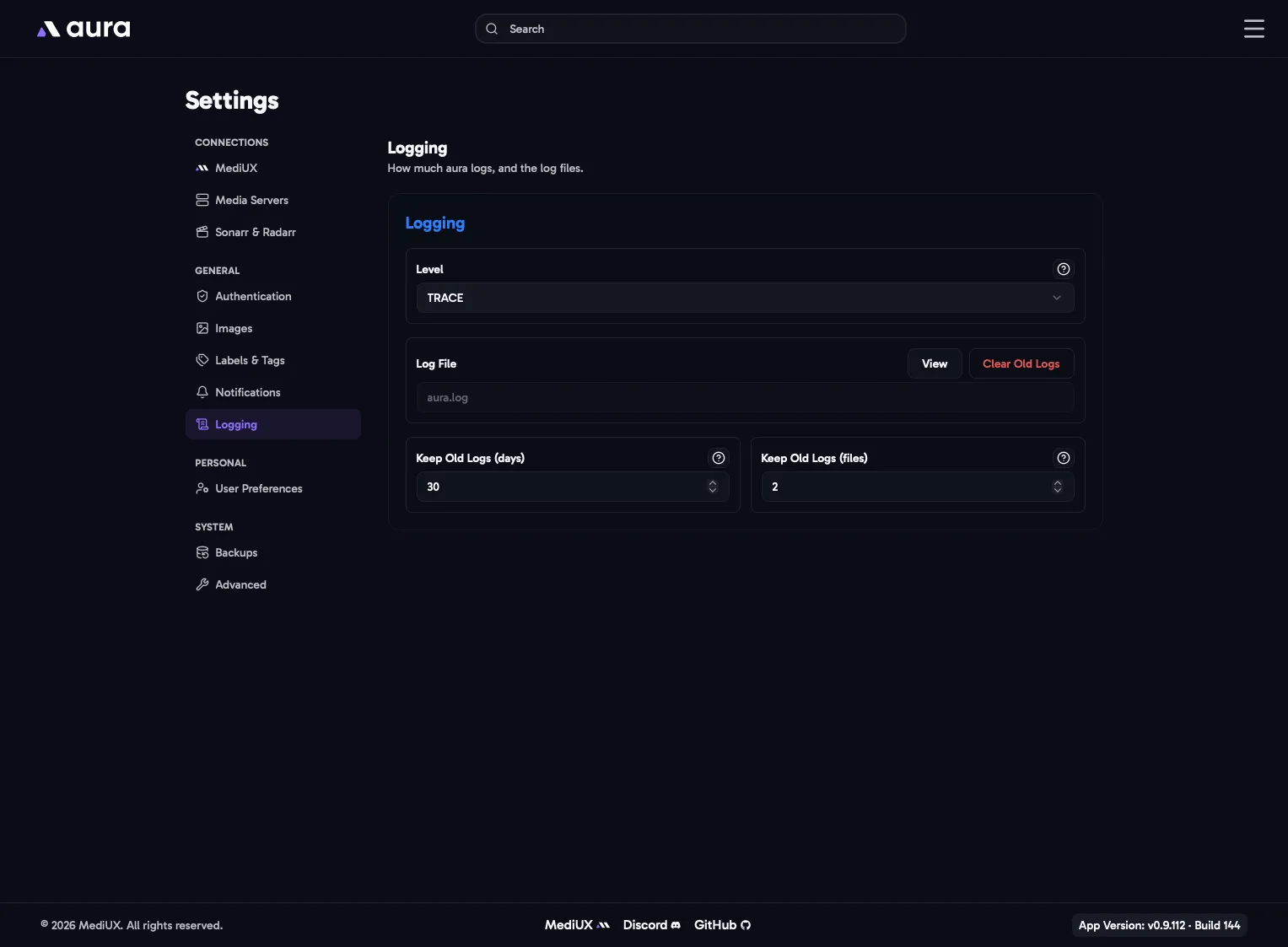
aura writes its logs to /config/logs. You can read them on the Logs page.
How much aura logs. Each level includes the ones below it.
| Level | Logs |
|---|---|
| TRACE | Everything, including every step of every action. Very large log files. |
| DEBUG | Detailed information, useful when tracking down a problem. |
| INFO | What aura is doing: downloads, jobs and changes. The recommended level. |
| WARN | Unexpected things that aura worked around. |
| ERROR | Only failures. |
If something isn’t working, set the level to DEBUG or TRACE, try again, then attach a Debug Bundle to your bug report. Set it back to INFO afterwards.
Log File
Section titled “Log File”View opens the Logs page. Clear Old Logs deletes the old log files and keeps the current one.
Keep Old Logs
Section titled “Keep Old Logs”aura starts a new log file when the current one reaches 25 MB, and deletes old files when either limit is reached:
- Days (1 to 365, default 7): old log files are deleted after this many days.
- Files (1 to 100, default 7): only this many old log files are kept. The oldest are deleted first.
Old files are cleaned up when a new log file starts, so on a quiet install they can stay a little longer than the number of days.
In the Config File
Section titled “In the Config File”Logging: Level: INFO # TRACE, DEBUG, INFO, WARN or ERROR KeepDays: 7 KeepFiles: 7