

Creator
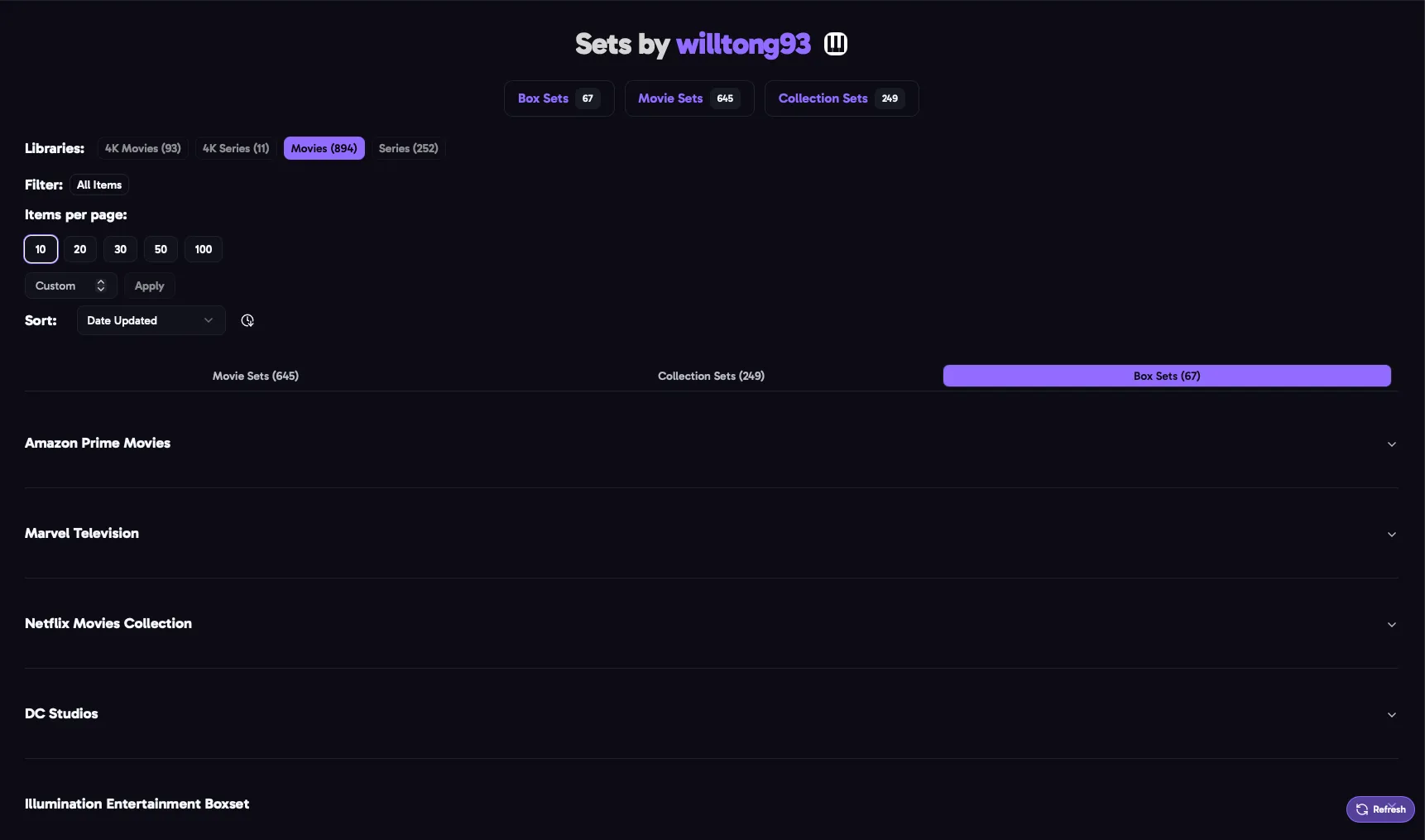
A creator’s page shows the sets they’ve made on MediUX for the items in your libraries. Open it by clicking a creator’s name on a set, or by searching for them.
Choose one of your libraries at the top. Each library shows how many of the creator’s sets match its items.
Set Types
Section titled “Set Types”The tabs split the creator’s sets by type, with how many of each:
| Tab | What’s in it |
|---|---|
| Show Sets | A poster, backdrop, season posters and title cards for one show. |
| Movie Sets | A poster and backdrop for one movie. |
| Collection Sets | Posters and backdrops for every movie in a collection, such as the Toy Story movies. |
| Box Sets | A group of the creator’s show, movie and collection sets, such as a Disney or Marvel boxset. |
Download a whole boxset at once with its download button. Each set in it is saved on its own in Saved Sets.
Sort & Filter
Section titled “Sort & Filter”- Search: what you type in the search bar matches set titles, and the titles of the items in a set.
- In-Database Filter: only sets for items that are in the database, not in the database, or in the database with another set.
- Sort by Date Updated or Title.